
Lug N Loaded support
Need a hand?
Stuck on a level, can’t find your partner, or caught a bug? Most answers are below. If yours isn’t, email me. I read every message.
Playing
How do I play?
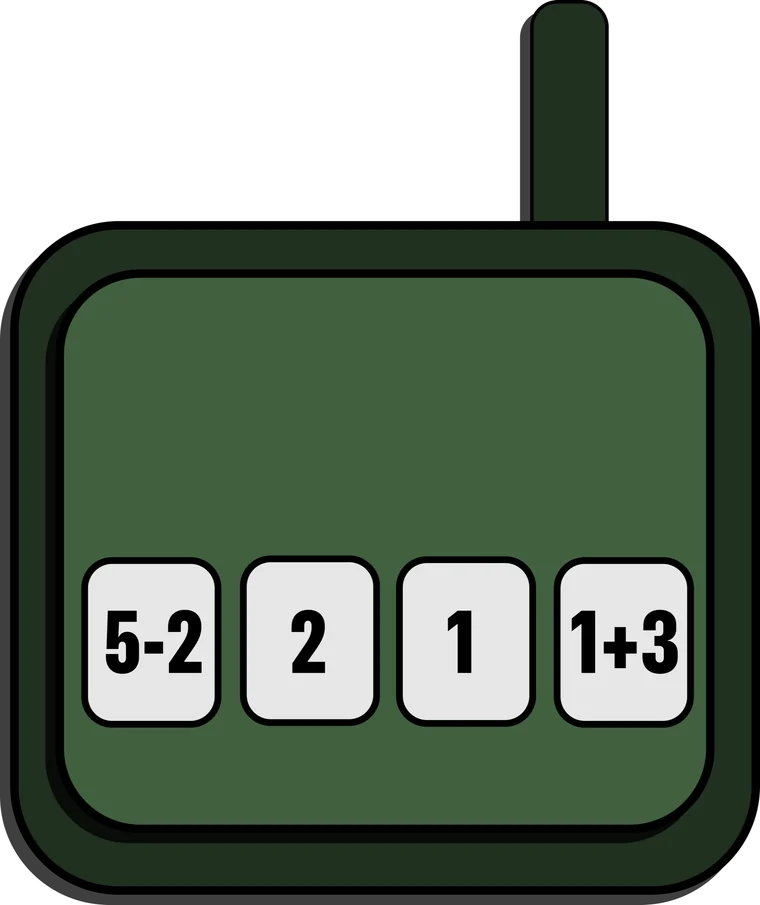
Drag items from your bag into the suitcase and pack every one before the clock runs out. Double-tap an item to turn it. Items turn but never flip, so the S, T and L shapes are the tricky ones. When the alarm goes off, punch in the four-digit code: crack it and you get 5 seconds back, run out and you lose 5.
How do I replay the tutorial?
Tap the ? button next to SOLO and DUO on the level select screen. It checks with you first, then runs the tutorial round again.
Can I turn the music or sound down?
Tap the gear on the title screen for music volume, sound effects volume and a mute switch. Your choices stay saved. The game also goes quiet when your iPhone is in silent mode, and your own music keeps playing alongside it.
What's Random Heist?
Endless random suitcases, anywhere from 4×3 to 8×4, each one built so it packs perfectly. They’re one-offs, so they don’t keep best times.
Playing with a friend
How do we play duo?
Pick a level and tap DUO. Find a partner uses Game Center to pair you with someone who picked the same level, or to invite a Game Center friend. Not friends on Game Center? Tap Share a code and send the six-digit code any way you like, and your partner taps Enter a code. Whoever shares the code or sends the invite picks the level.
Do we need to be in the same room?
No. Duo runs over the internet through Game Center, so you can play from anywhere. When the alarm goes off, talk it through on a call, or the player with the sums can tap the digits in and they show up on the keypad player’s screen.
We can't find each other. What should we check?
Make sure you’re both signed in to Game Center in your iPhone’s Settings, both on the latest version of Lug N Loaded (different versions won’t pair up), and both online. With Find a partner, pick the same level. With a code, double-check the digits. A search that fails can be tried again.
What happens if someone's connection drops?
Both phones pause and show “Reconnecting to your partner…” for up to 20 seconds, then carry on from exactly where you were. If your partner doesn’t make it back, the round ends. The number next to the clock is your ping: orange or red means the connection is slow.
Best times
Where are my best times?
Each of the ten handmade levels keeps your best solo and duo times on your phone, even without Game Center. When you’re signed in, every win also goes to that level’s Game Center leaderboard: tap the trophy on the Mission Complete screen to see it.
Why isn't my time on the leaderboard?
Leaderboards need you signed in to Game Center. Only wins on the handmade levels count, and solo and duo have separate boards. The tutorial and Random Heist don’t keep records.
Your iPhone and your data
Which devices does it run on?
iPhone, with iOS 16.4 or later. Duo also needs a Game Center account.
Does Lug N Loaded collect my data?
No. There are no ads, analytics or accounts. Your best times, tutorial progress and sound settings stay on your phone, and Game Center is run by Apple. The details are in the privacy policy.
How do I reset my progress?
Deleting the app clears everything it saved on your phone: best times, tutorial progress and settings. Game Center scores are kept by Apple, and you can manage them in your iPhone’s Settings or at appleid.apple.com.
Caught a bug?
Tell me what happened and I’ll track it down. These help the most:
- Your iPhone model and iOS version
- The level, and whether you were playing solo or duo
- What happened, and what you expected instead
- A screenshot or screen recording, if you have one
Playing the TestFlight beta? Take a screenshot in the game and tap Share Beta Feedback, or send it from the TestFlight app.
© 2026 Kevin Bryan.
KEVIN
BRYAN